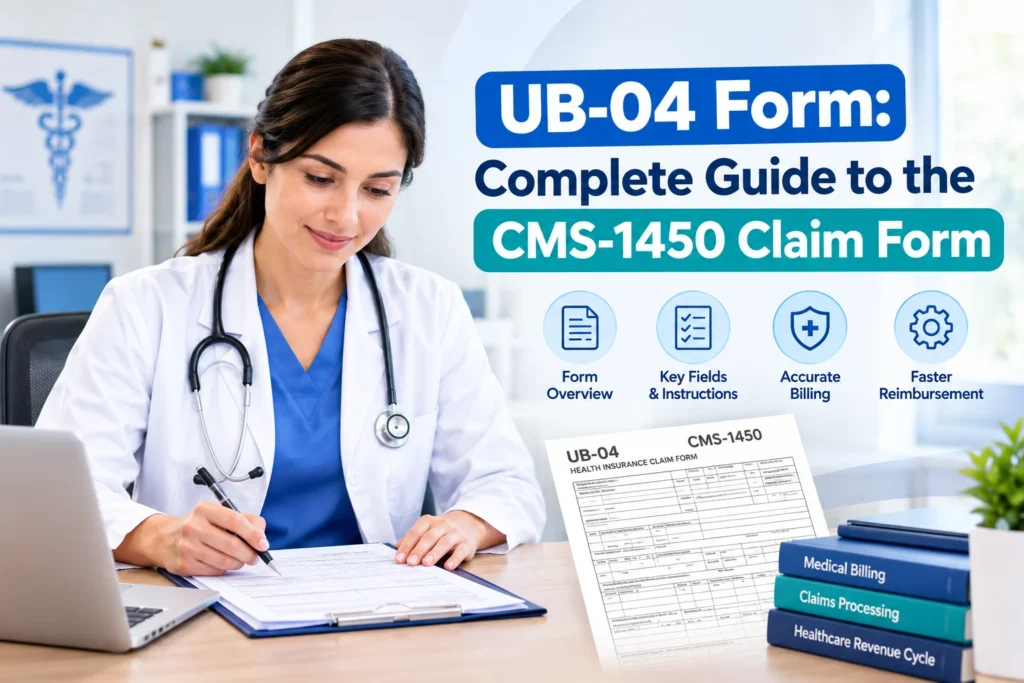
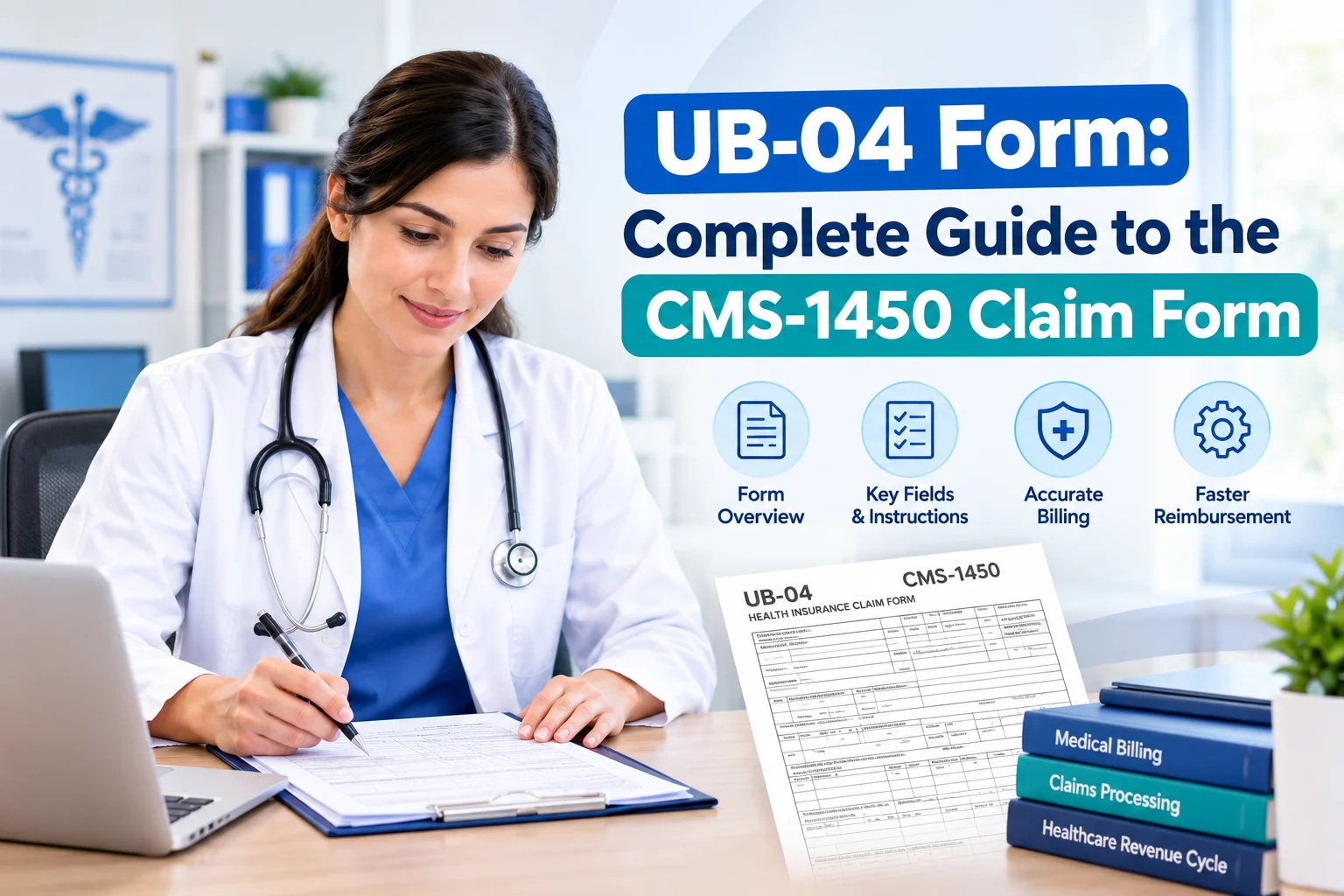
Quick answer: The UB-04, also called CMS-1450, is the standard claim form used by healthcare facilities to bill insurance companies. Hospitals, skilled nursing facilities, home health agencies, and hospices commonly use it. The form has 81 numbered fields that are also known as form locators (FLs). The electronic version of the UB-04 is the 837I claim. Physicians and other professionals usually use the CMS-1500 instead.
What Is the UB-04 (CMS-1450) Form?
UB means Uniform Bill. The 04 is commonly explained as a reference to the 2004 revision cycle that produced the current form.
The UB-04 is the uniform institutional provider bill. It is built to work across many payers, so a given payer does not need every data element on it. It contains a complete encounter story of facilities including who the patient is, what level of care they received, what services were delivered (by revenue code), what they cost, why they were needed (diagnoses and procedures), and who is paying.
As an important part of revenue cycle management (RCM), the UB-04 helps practices submit accurate claims and support timely payment from insurance companies.
Who owns the rules? NUBC, AHA and CMS
Three organizations guide how you complete the UB-04:
- NUBC: Sets the UB-04 form design and standard code lists.
- CMS: Provides Medicare billing and completion instructions.
- Payers: Medicaid, Medicare Advantage, and commercial insurers have their own billing rules.
Always check the latest NUBC manual and the payer’s billing guidelines before submitting claims.
Who Uses the UB-04 Form?
Use the UB-04 when a facility bills for facility services. Some users include:
- Hospitals, for inpatient stays and outpatient services such as ER visits, imaging, labs and surgery
- Skilled nursing facilities (SNFs)
- Home health agencies
- Hospice providers
- Critical access hospitals (CAHs)
- Rural health clinics, FQHCs, dialysis facilities, CORFs and community mental health centers. Their bill types appear in CMS’s institutional list.
- Inpatient psychiatric, rehabilitation and long-term care hospitals, which are paid under their own prospective payment systems
Who Does Not Use the UB-04?
Individual physicians, non-physician providers, and group practices usually use the CMS-1500 / 837P for professional services.
For ambulatory surgery centers (ASCs), billing rules can vary by payer. Some require professional claims while others require an institutional claim such as bill type 083x. So always check the payer’s billing guidelines first.
UB-04 vs. CMS-1500: What’s the Difference?
The UB-04 (CMS-1450) and CMS-1500 are both used for medical billing but they serve different purposes. The UB-04 is mainly used for facility and institutional billing while the CMS-1500 is used for professional services.
| Feature | UB-04 (CMS-1450) | CMS-1500 |
| Bills for | Facility (institutional) charges | Professional services |
| Typical users | Hospitals, SNFs, home health, hospice | Physicians, NPs, PAs, therapists, suppliers |
| Electronic version | 837I | 837P |
| Services described by | Revenue codes + HCPCS/CPT | CPT/HCPCS + place of service |
| Care setting captured by | Type of Bill (FL 4) | Place of Service (Box 24B) |
| Diagnoses | Principal + up to 17 other (FL 67, 67A–Q) | Up to 12 (Box 21) |
| Inpatient procedures | ICD-10-PCS (FL 74) | Not used |
| Provider IDs | Billing NPI (FL 56) + attending/operating/other (FL 76–79) | Billing NPI (Box 33a), rendering NPI (Box 24J) |
Can Both Forms Be Used for the Same Patient?
Yes. For example, during a hospital surgery, the surgeon’s professional fee is generally billed on a CMS-1500 while the hospital’s facility charges like the operating room, supplies, and nursing services, are billed on a UB-04.
Because both claims relate to the same encounter, the patient information, dates, and diagnoses should match. Differences can lead to claim delays or denials.
UB-04 Paper Form vs. 837I Electronic Claim
The UB-04 (CMS-1450) is the paper claim form while the 837I is the standard electronic format for institutional claims. Both contain the same basic claim information but most institutional claims are submitted electronically.
Does Medicare Accept Paper UB-04 Claims?
Only in limited situations. Medicare generally requires electronic claims but some providers can qualify for exceptions, such as:
- Small providers with fewer than 25 full-time employees
- Low-volume providers submitting fewer than 10 claims per month on average
- Certain other limited situations allowed by Medicare
If a payer accepts paper claims, it requires the official red-ink UB-04 form. Always check the payer’s requirements before submitting a paper claim.
The 81 UB-04 Form Locators Explained
The UB-04 (CMS-1450) has 81 form locators. Instead of memorizing every field, it is easier to understand them by section. The fields cover provider details, patient information, billing, services, insurance, diagnoses, and provider information.
Key UB-04 Form Locators
| FL | Field | What It Contains |
| 1 | Billing Provider | Provider or facility name, address, and phone number |
| 4 | Type of Bill | Identifies the facility, type of care, and claim frequency |
| 6 | Statement Period | Start and end dates of the billing period |
| 42 | Revenue Code | Identifies the service, department, or accommodation |
| 44 | HCPCS / Rate | HCPCS/CPT codes, rates, or other billing information |
| 47 | Total Charges | Charges for each service and the claim total |
| 56 | Billing Provider NPI | The facility or provider’s 10-digit NPI |
| 67 | Principal Diagnosis | The main condition responsible for the patient’s admission |
FL 1–17: Provider and Patient Information
These fields identify the billing provider, patient, admission, and discharge details. They include the provider name, patient control number, type of bill, tax ID, billing dates, patient information, admission details, and discharge status.
FL 18–41: Condition and Billing Codes
These fields report special conditions, important dates, and financial information that can affect claim processing. They include condition codes, occurrence codes, occurrence dates, occurrence spans, value codes, and related amounts.
FL 42–49: Service and Charge Information
These are the main service lines of the claim. They show the revenue code, service description, HCPCS/CPT code, service date, units, total charges, and non-covered charges.
FL 50–65: Insurance and Payer Information
These fields identify the payer, insured person, patient relationship, provider NPI, prior payments, authorization numbers, and other insurance details. They are especially important when Medicare is not the only payer.
FL 66–81: Diagnosis, Procedures, and Providers
These fields contain ICD-10 diagnosis codes, inpatient procedure codes, attending and operating provider information, remarks, and additional codes.
Type of Bill (FL 4): A Key UB-04 Field
FL 4, or Type of Bill, tells the payer what type of facility, care, and claim is being billed. It is a four-character code: the second digit identifies the facility type, the third shows the type of care, and the fourth shows the claim frequency, such as an original, interim, replacement, or void claim. Common facility types include hospitals, skilled nursing facilities, home health agencies, clinics, hospices, ASCs, and critical access hospitals.
For example, 0111 is commonly used for an original hospital inpatient claim, 0117 for a replacement claim, and 0118 for a void claim. Always check the current NUBC or payer-approved code list instead of creating a bill type code yourself.
How to Fill Out a UB-04 Form: Step by Step
- Make sure you need a UB-04. Confirm that the claim is for facility or institutional services and check whether the payer requires a paper UB-04 or electronic 837I claim.
- Enter provider information. Add the facility name and address, tax ID, NPI and taxonomy code if required.
- Enter patient information. Add the patient’s name, ID, address, date of birth and other required details. Make sure they match the payer’s records.
- Add bill type and dates. Enter the Type of Bill, billing period, admission details and discharge status.
- Add applicable codes. Enter any required condition, occurrence, and value codes.
- Enter services and charges. Add revenue codes, HCPCS/CPT codes, modifiers, service dates, units and charges.
- Complete payer information. Enter the primary, secondary, or tertiary payer details, payments, authorization numbers and correction information when needed.
- Add diagnoses and providers. Enter the right diagnosis and procedure codes along with attending, operating, or other provider information.
- Review the claim. Check for missing or incorrect information, run claim edits and submit the claim electronically or on paper if allowed.
How Revantage Billing Supports Institutional Claims
Institutional billing requires careful attention because even a small error can delay payment. A wrong bill type, missing date, incorrect code, or incomplete claim can cause rework and denials. Revantage Billing helps facilities manage the billing process from claim preparation to payer follow-up. Our services include claim scrubbing, UB-04 and 837I claim preparation, denial management, payment follow-up, and claims review. Our team of medical billing experts follows a compliance-focused workflow to help reduce billing errors, improve claim accuracy, and keep payments moving.